


Logging into Taso
You log into Taso using your PalloID.
You are assigned a PalloID once you have registered as an official in Pelipaikka.
You can log into Taso at: https://taso.palloliitto.fi/
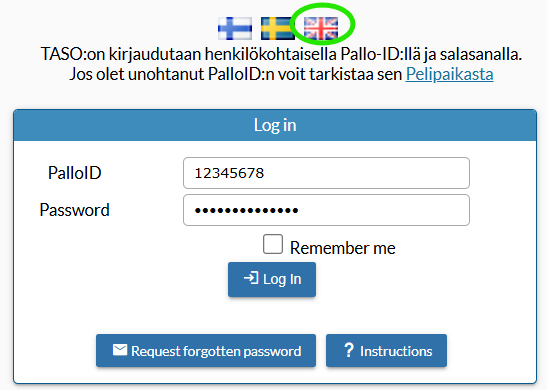
PalloID
PalloID is an eight-digit identifier found in the basic personal information within both Pelipaikka and TASO.
Logging in using a PalloID and password applies to all individual officials (including referees).
The same user ID is used to manage all teams and other roles linked to that user ID (PalloID).
When logging into TASO for the first time, you must request a new password using the "Request forgotten password" button.
1. click "Request forgotten password,".
2. enter your PalloID number
3. click "Send."
Please note that to log in to TASO, you must also be linked to at least one team. An Taso administrator from your club or team can link you to a team.
Registration and Maintenance
The registration and data maintenance of players and support staff take place in *Pelipaikka*, from where the data is transferred to TASO—meaning data only needs to be updated in one place.
Remember to activate team players, officials and referees for the new season (separately for football and futsal).
