


Changing your password or requesting a new one.
If you have forgotten the password you used when registering, or if you wish to change your current password, you can do so as follows:
Select 'Forgot password?' on the login page.
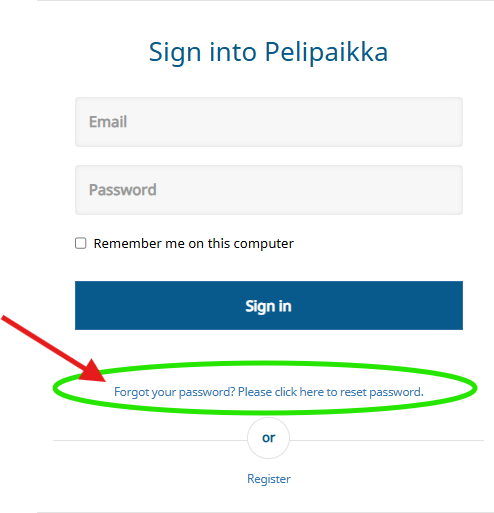
Enter the email address you use as your username.
Select 'Send me a link'.

You will receive a notification that the password reset request has been sent, and you can return to the login page by selecting "Return to the login page".

You will receive a link via email shortly after this, allowing you to change your password and use the new one the next time you log in to Pelipaikka.
