


Registering for Pelipaikka – Create a user account
The Pelipaikka login page is https://fin.ma.services
(If logging in via mobile, rotate your phone to landscape mode to view additional icons.)
If you have previously logged in to Pelipaikka using an email address, you can continue to use the same account and password.
You can reset a forgotten password via email on the login page.
If you have not previously logged in using an email address, register a new account.
Remember to activate your account by opening the activation link sent to your email.
After logging in, you can manage your registrations or apply for club access rights.
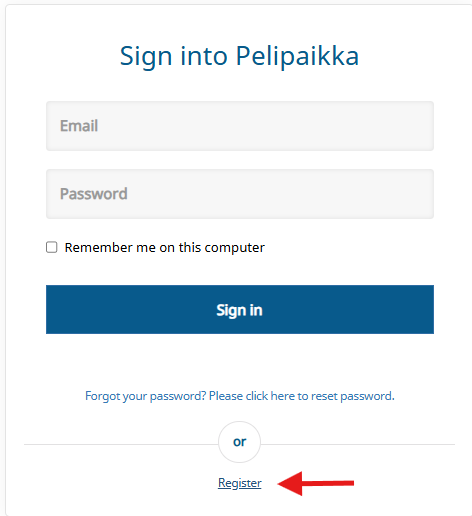
Select "Register" to begin the registration process.
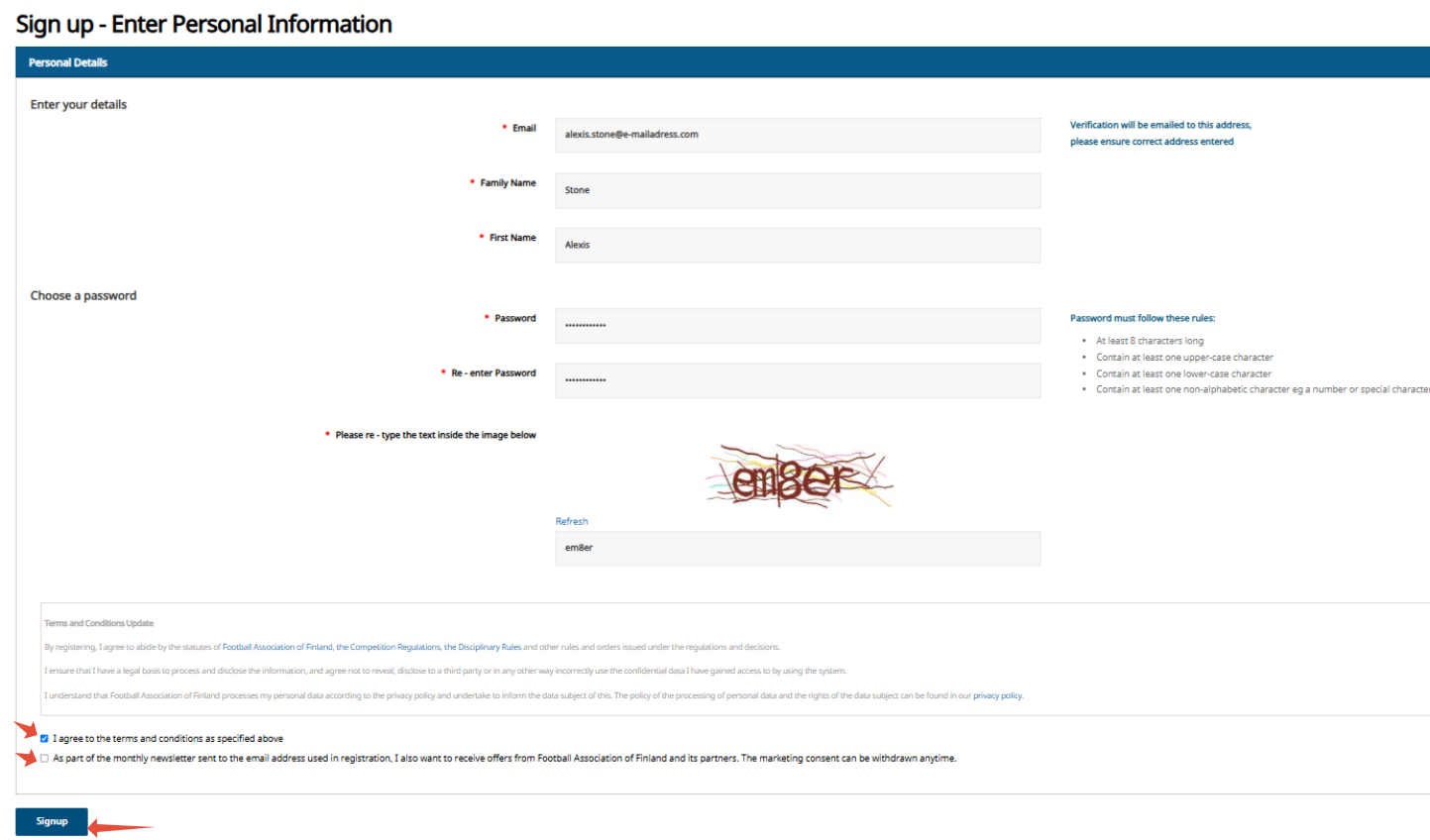
Fill in the details and create a password.
Accept the terms and select 'Create new user'.
You have received an email (please check your inbox) containing a link to activate your account; click the "Confirm" link to proceed.
If the link does not work, copy the address below and paste it into your browser's address bar.
Once you have opened the link, you can log in using your credentials by clicking "Log in".
