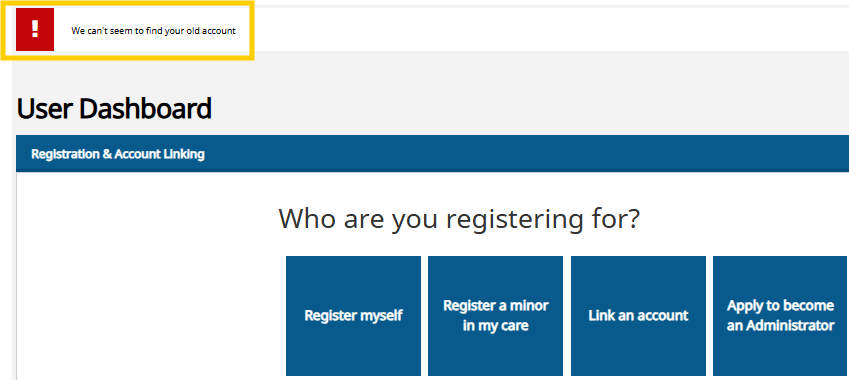
The system doesn't allow linking the details to the user account.
Below are the two most common solutions to this issue.
(If you are logged in on a phone, rotate it to landscape mode to view more icons.)
When you are attempting to link a person to your user account (using the "Link person to user account" function) and the system indicates that "the person is already linked to another user account":
A person's details can be linked to only one user account at a time.
Contact the Football Association's Support Team via the support portal; Support Team will unlink the person's details from the previous account, allowing then to be linked to the new account.
Also, verify that the person has not already been linked to this same user account previously.
Select the "gear" icon in the top-right corner of the Pelipaikka page and choose "My registrations" from the menu.
"My registrations" page lists all persons linked to the user account.
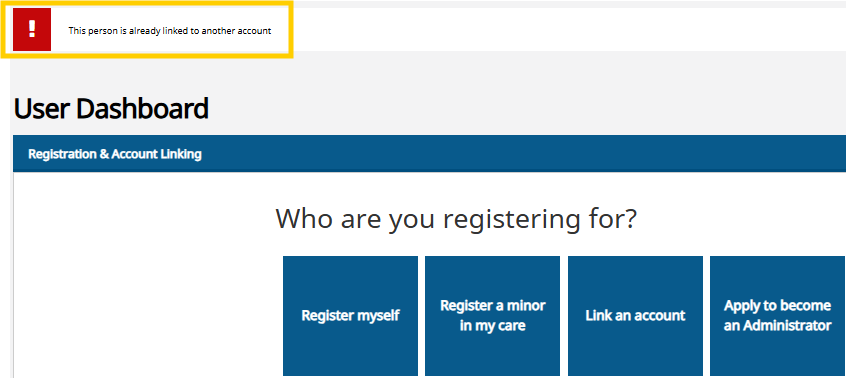
If you are linking a person to your user account and the system reports that "We can't seem to find your old account,"
check that the person's PalloID number is entered correctly.
Also, check that the date of birth is entered correctly. When linking the data, the date of birth is entered in reverse order: year-month-day. For example, a date of birth of 7th February 2011 is entered as 110207.