


Adding a Club Official Role
If you serve as a club official, you can add a club official role via the 'My Registrations' page.
(If you are logged in on a mobile phone, rotate your device to landscape mode to view additional icons.)
Club official roles include: Board Member, Team Manager Coordinator, Junior Manager, Marketing Manager, Chairperson, Treasurer, Executive Director, Sports Director, Coaching Manager, Communications Manager, and Shift Coordinator.
Select 'Add club official role' from the menu.
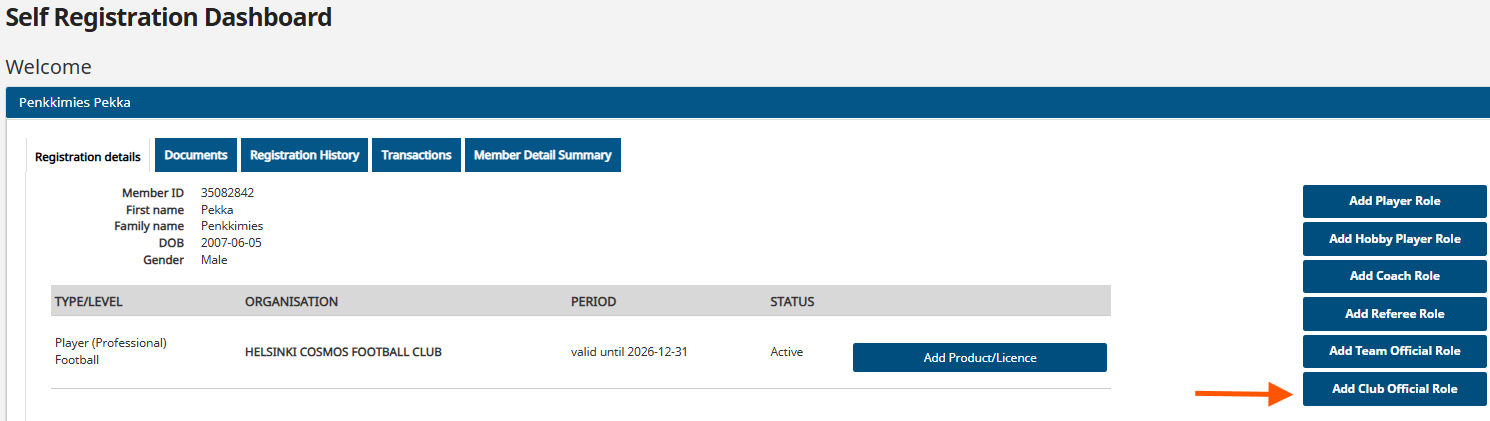
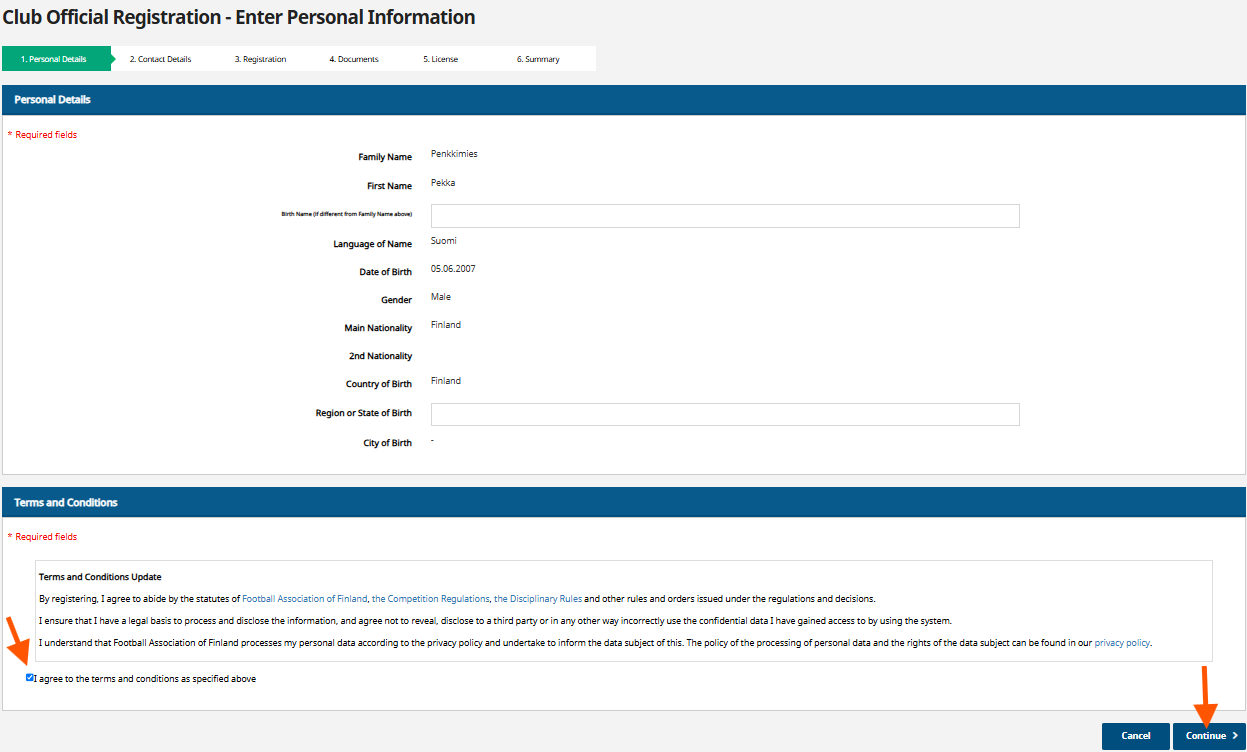
You must accept the terms of use, which you can read via the links in the field above.
Select 'Continue'.
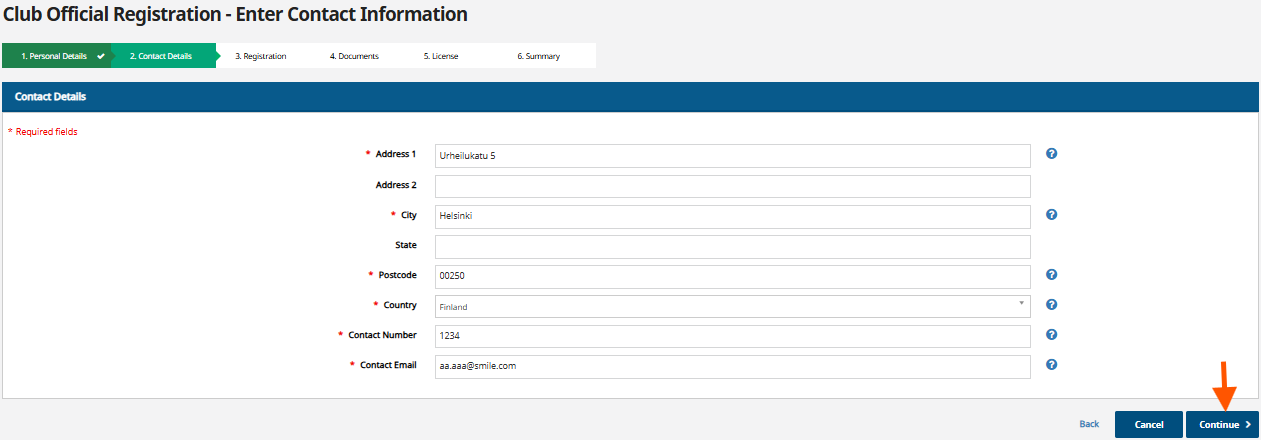
Update your contact information if necessary.
Select 'Continue'.
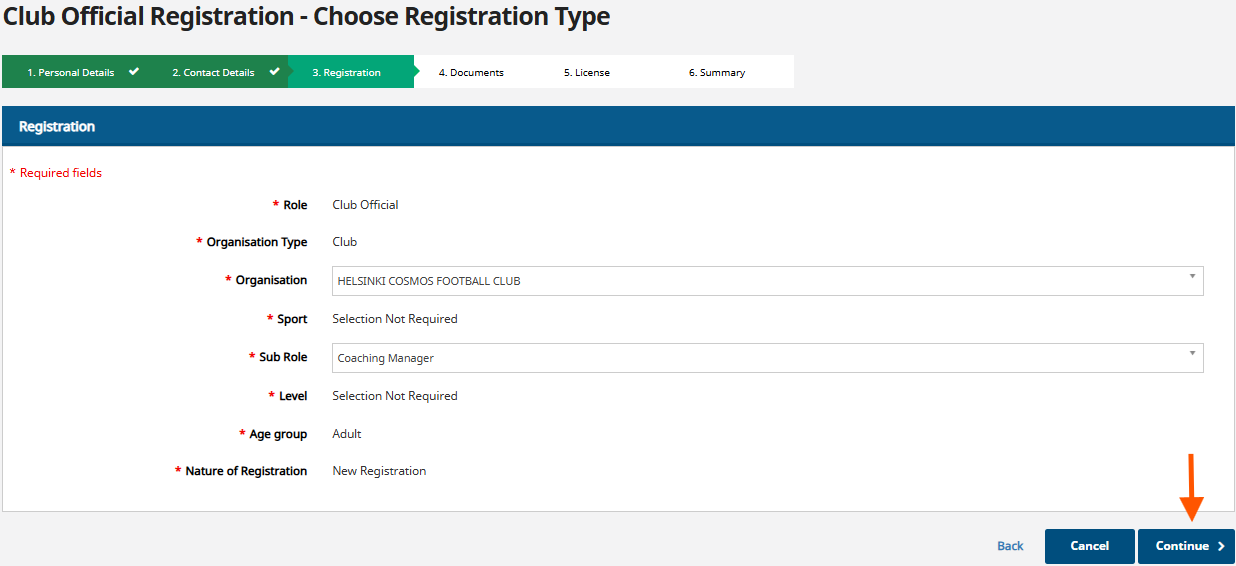
Select the club where you serve as an official from the 'Organisation' drop-down menu.
Select your role as a club official from the 'Sub Role' drop-down menu.
Select 'Continue'.
There are no documents associated with this registration.
Select 'Continue'.

On the summary page, you can still edit your registration if necessary by selecting 'edit'. This will take you back to the page where you wish to make changes. From there, you can continue the registration process as described in the instructions above.
If no changes are needed, select 'Submit to Club'.

