Payment Methods
The following section describes the different payment methods available for payments created in Pelipaikka.
If you are using a mobile phone, the view will be different. By turning your phone to landscape mode, the required icons will become visible.
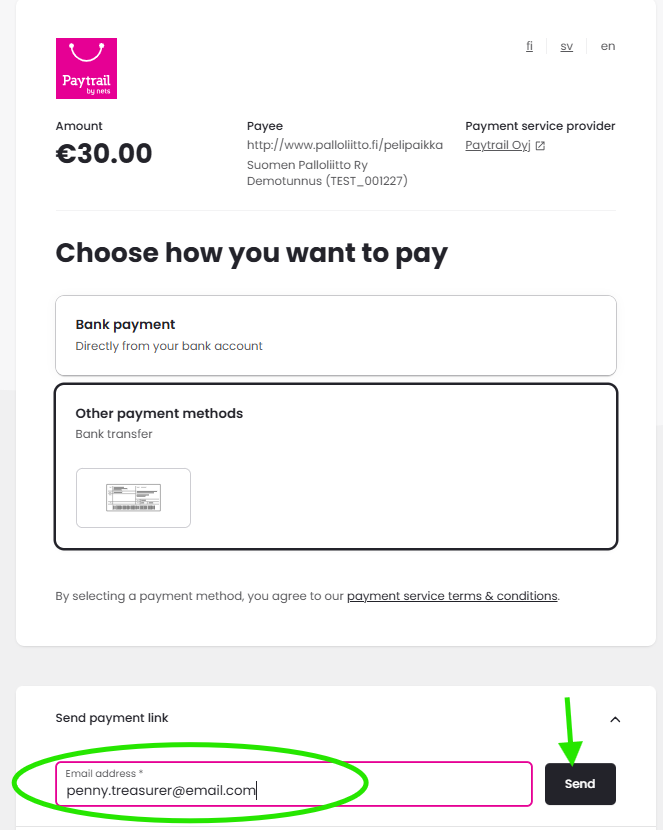
After selecting your products and proceeding to payment, you will be taken to a page where you can choose a payment method, as shown in the image below.
If you have received a payment link by email, open the link to access the available payment methods.
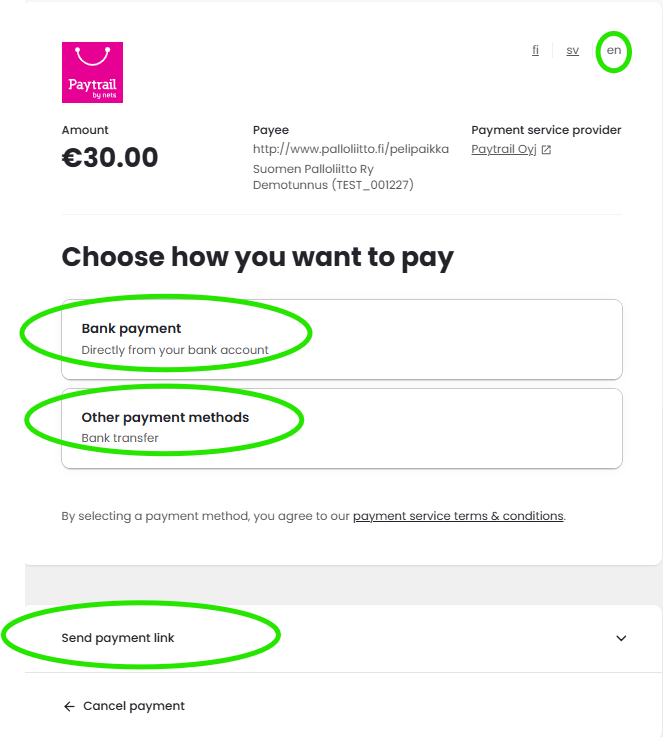
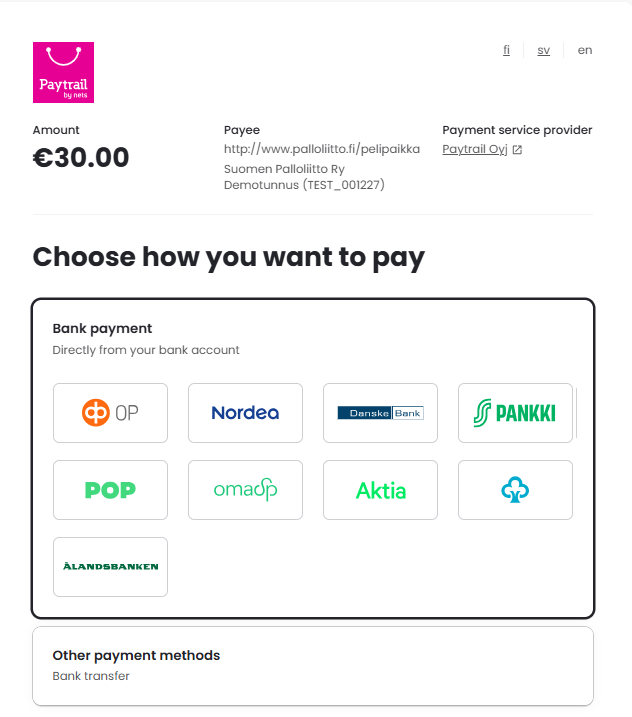
If you select Bank Payment Methods
Select your bank’s logo to proceed directly to your online banking service, where you can complete the payment using your online banking credentials.
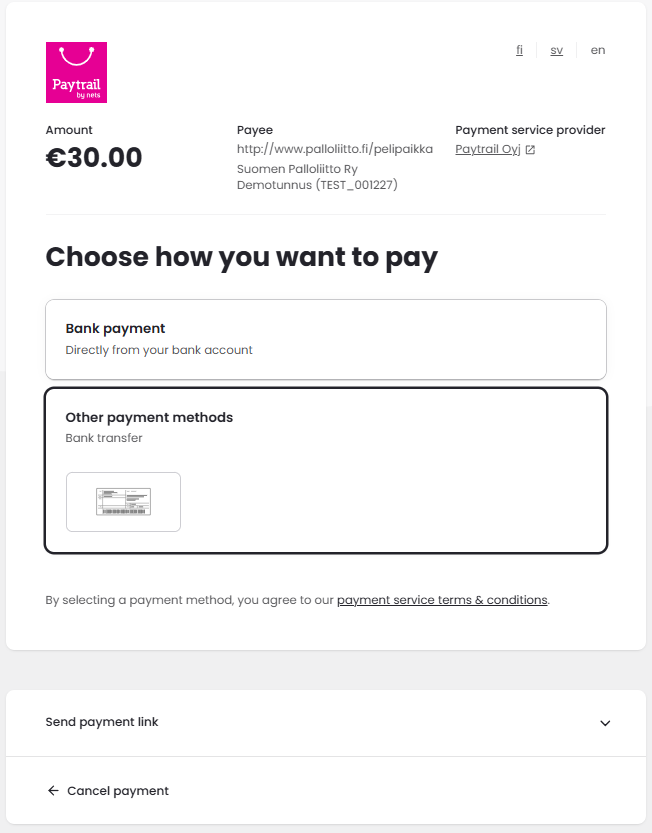
If you select Other Payment Methods
Other Payment Methods refers to payment by bank transfer, meaning that you pay the fee using the payment details provided.
You can copy the payment details by selecting "Copy to Clipboard" or choose "Print Page" to save the payment information for later use. The "Print Page" option opens a page containing the payment details (account number, reference number, and amount) required to complete the payment.
Payments in Pelipaikka are processed through Paytrail Plc, the payment service provider. Payments must be made to the Paytrail Plc account shown on the bank transfer form. (Do not make the payment to any other account, such as the Football Association's account, as the payment will not be allocated correctly.)
The recipient of the payment is Paytrail Plc.
Always use the exact reference number shown on your bank transfer form. If the payment is made without a reference number or with an incorrect reference number, it cannot be allocated correctly.
The message field must always be left empty. Any message entered in the message field will prevent the payment from being registered correctly. The message is not forwarded to the payment recipient.
Always pay the exact amount shown on the bank transfer form. If the amount differs in any way from the total payment amount, the payment cannot be allocated correctly.
The payment cannot be made in multiple instalments. It must always be paid in a single transaction for the exact total amount shown on the bank transfer form.
Once you have paid using the bank transfer details, copied the payment information to the clipboard, or printed the page, select "Done".
If you select "Send Payment Link"
When you select "Send Payment Link", enter either your own email address or the email address of the person who will pay the fee in the empty field and select "Send". The recipient will receive a payment link that can be opened to choose a preferred payment method.
The payment link can only be used once.